
Built-in typed / drawn / click-accept is enough for many jobs. Connect a provider when the deal needs their evidence trail.
Built-in (no Connect)
Add a Signature block. Sign as sender first if you want your name on the PDF. Require e-signature when a click is not enough. Signer verification emails a one-time code.
Details: Signatures and privacy.
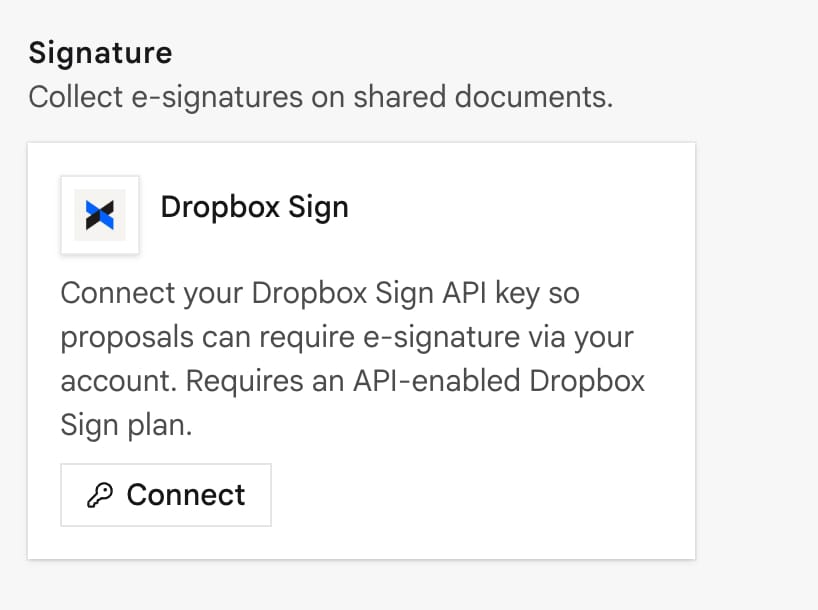
Dropbox Sign (available)
When Require e-signature is on and Dropbox Sign is connected:
- The client verifies email on the public link.
- They confirm name and consent. Their browser builds the PDF (same layout as Print).
- InProQu sends that PDF to Dropbox Sign.
- With an API App Client ID, they sign in the browser. Without it, Dropbox Sign emails a signing link.
- On complete, Dropbox Sign calls InProQu → the document is Accepted.
While Dropbox Sign is live for that document, built-in Signature blocks are skipped.
Setup: API key from Dropbox Sign → API. Optional Client ID for in-browser signing. Paste the callback URL shown on the card (/api/webhooks/dropbox-sign/{workspaceId}). Choose Live or Test mode.
DocuSign
Coming soon (OAuth). Until it is Available, use built-in or Dropbox Sign.
Tips
- Sender may still need to sign first, depending on document settings.
- Check version history before you overwrite a signed layout.
- Acknowledgements should stay view-only: they are receipts, not a second sign ceremony.