
Several ways to begin. All of them still need a human preview before Share.
New document (or Ctrl+N), Draft with AI, Import .ipq, or a webhook / form that opens a draft for you (Team+).
Template

Starts the whole document. Cover through signature. Best when the pack is already priced and legal is yours.
Team+ can use shared workspace templates. Copy the template ID if a website form should open that pack (see WordPress and webhooks).
Show variables on a template preview lets you confirm tokens before you clone it.
Draft with AI
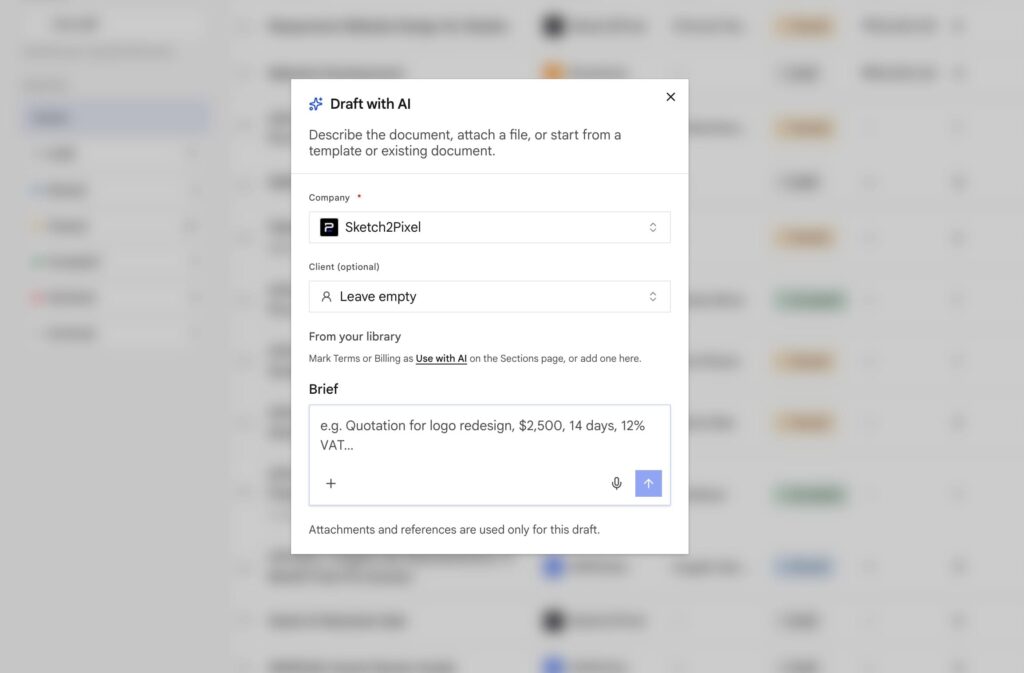
Describe the job: who it is for, scope, currency, and whether this is a proposal, quote, or form. Attach a source file if you have one.
Details: AI draft and import.
Blank
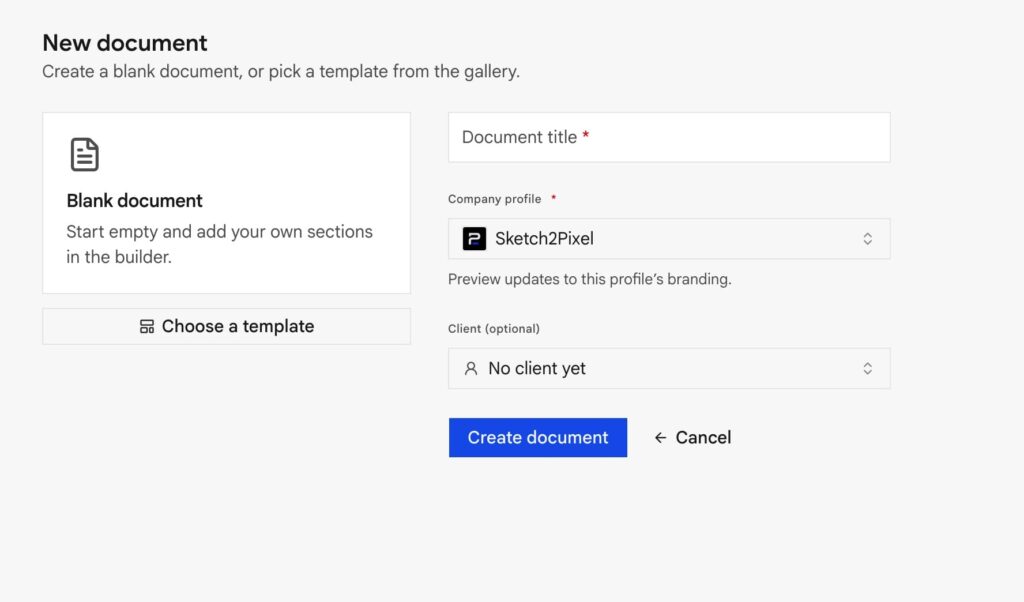
Empty canvas. Add blocks from the palette. Use this for one-off legal forms or when you will drop sections in by hand.
Form, webhook, or chat agent (Team+)
A website form, Zapier/Make/n8n, WordPress, or a chat agent can POST proposal.draft and open a document from a template ID with the client already attached. You get urls.builder back. That is intake. You still Share.
See WordPress, forms, and webhooks and How the workspace fits together.
Connect an AI provider before Draft with AI will run.
After you start
- Pick the company (brand) and client.
- Set title, currency, validity, tax / discount.
- Fill Pricing. Keep the full project fee here. Deposits belong on Billing schedule.
- Add How to pay.
Wrong brand? Document settings → switch company. Linked library sections still update in drafts. After you share, that send is frozen so the client’s link does not change under them.