
Put a Book a call control on the public share page so they can pick a time without another email.
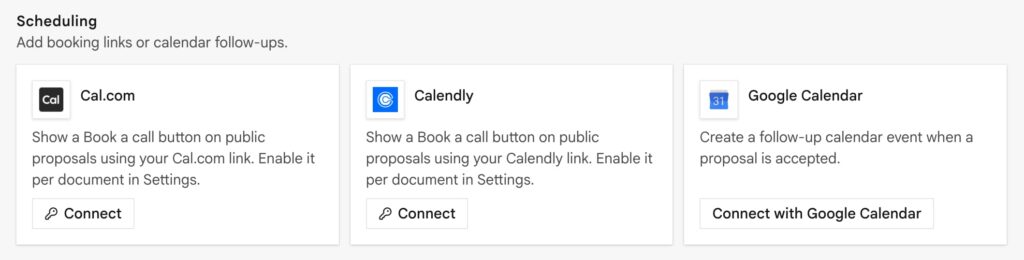
Confirm it in Preview → Website. The button is for the client link, not the companion app.
Calendly and Cal.com
Paste your public scheduling URL on the Integrations card. No OAuth.
- Copy the event link from Calendly or Cal.com.
- Integrations → Calendly or Cal.com → Connect.
- Preview the share page.
Google Calendar
OAuth. Two jobs:
- Can support booking / availability when configured on the card.
- After accept, can create a follow-up event on the connected calendar.
Document setting
Some documents expose show booking CTA. Turn it off on a receipt or a view-only legal form if a book-a-call button would look wrong.
Tips
- The client never needs an InProQu account to book.
- Use your real scheduling link: do not invent one in an AI draft.
- Analytics pixels (if connected) also load on this same public page. See Analytics and live chat.